
Share the link
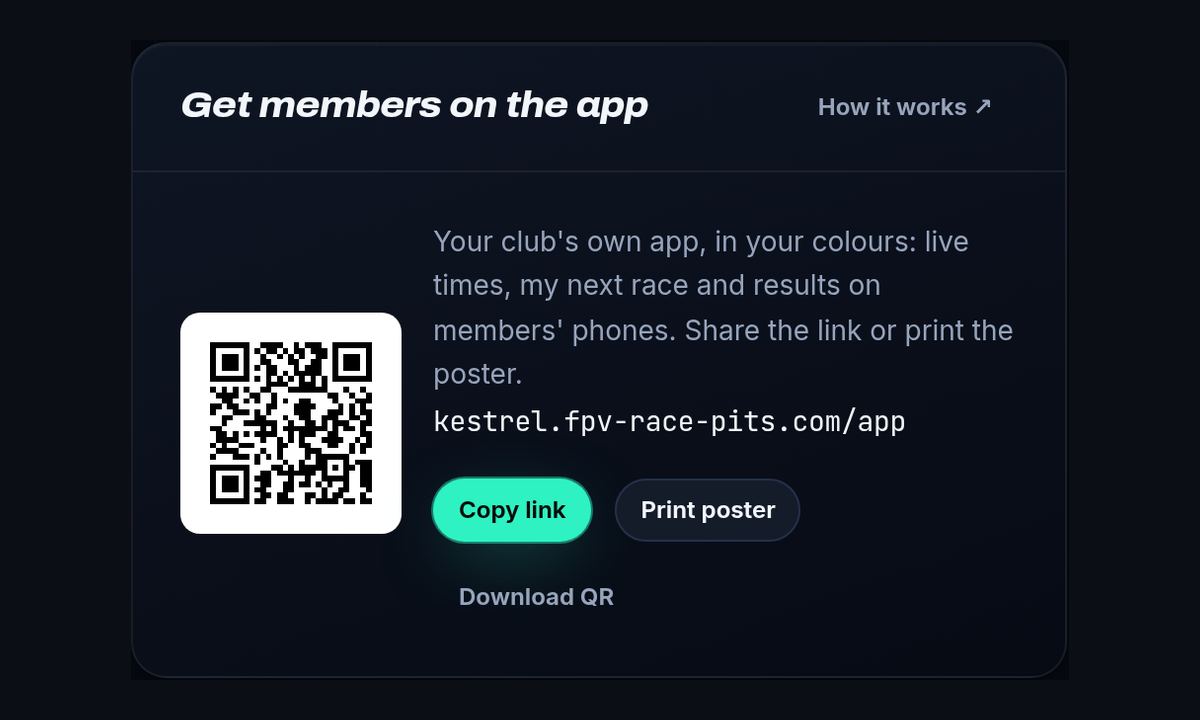
- Open Manage on your club site. The dashboard has a Get members on the app card.
- Press Copy link and post it in your club chat, email or social media. It opens a page that shows each person the right steps for their phone.
- Pin it in your Discord or Facebook group so new members find it.
Print the QR poster
- On the same card press Print poster.
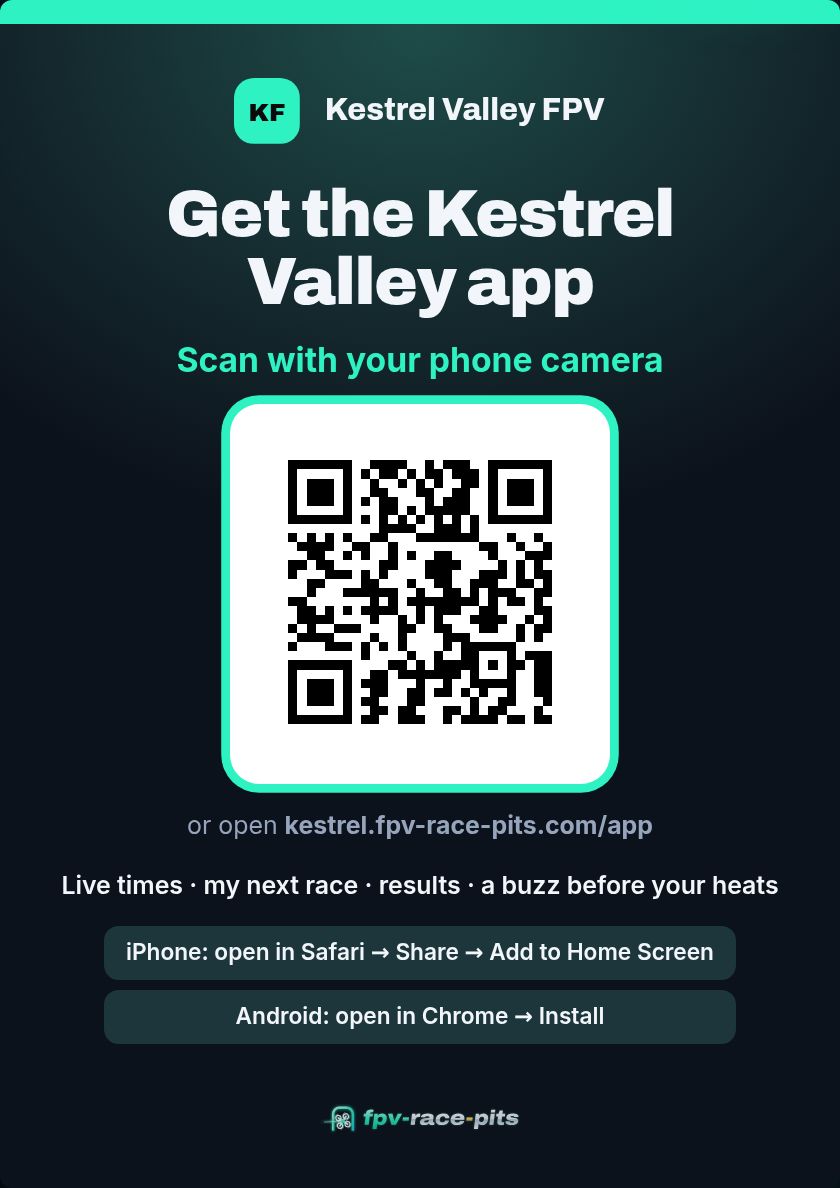
- An A4 poster opens in your club's colours, with a QR code and the short iPhone and Android steps.
- Print it (or save it as a PDF) and put it up at the field, in the pits and at the sign-in table.
Race-day tips
- Mention the app at the pilot briefing. Pilots who pin themselves get a buzz when they're on deck, so fewer missed heats.
- Show the poster's QR code on the big screen between heats.
- New members get the link in their welcome email automatically.
- Live times need your timing laptop connected. See Connect your timing app to your club website.
Related guides
Connect your timing app to your club websitePair the timing laptop with your club's website once. From then on every lap, heat and result shows up live at your-club.fpv-race-pits.com.Install your club's app on your phoneEvery club has its own app, in the club's colours: live times, the race dashboard, your next race and your laps. Here's how to put it on your phone.
Still stuck?
Ask in our community or send us a message. A real person reads every one.