OSD
Lap times as you fly
Position, lap count, last lap, delta, gap to the pilot ahead and a rolling list of recent laps: you choose what shows and where.

For pilots
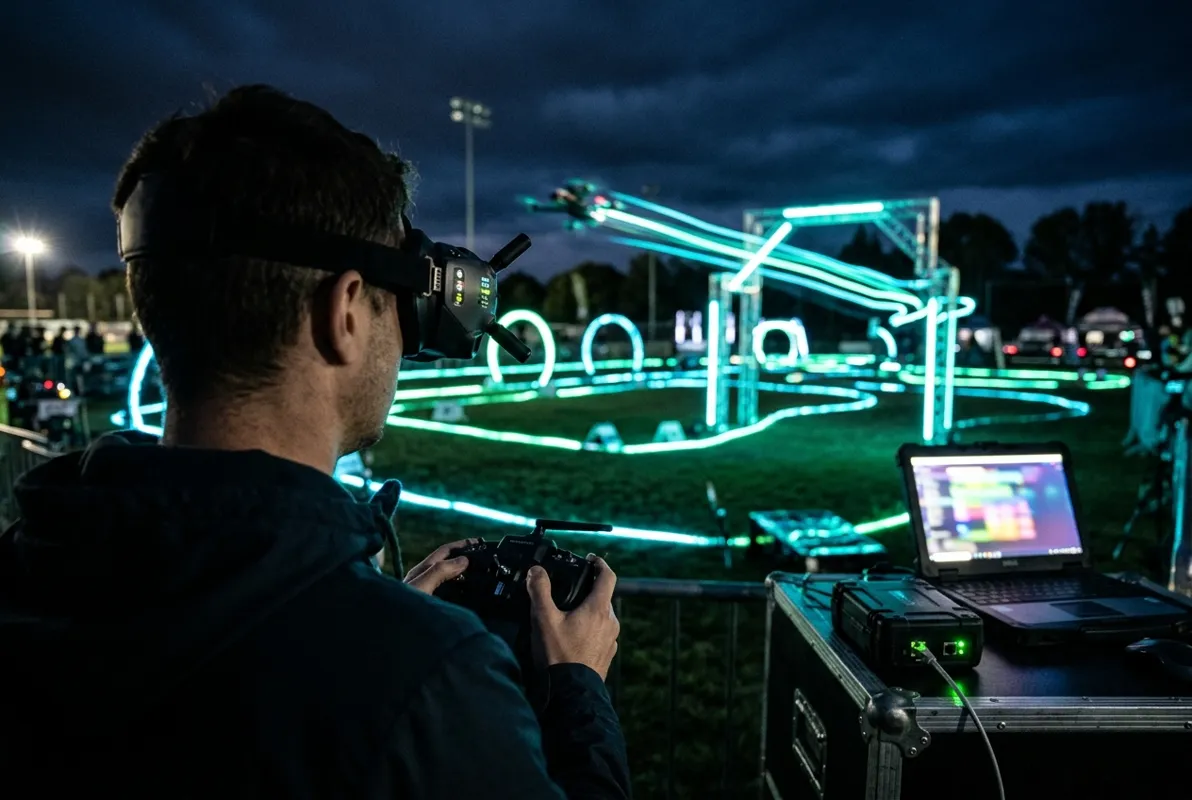
At an fpv-race-pits race day the timing laptop talks to your goggles through ExpressLRS: your position, lap times and the gap to the pilot ahead appear on your OSD the moment you cross the gate. No more shouting "what lap am I on?".
OSD
Position, lap count, last lap, delta, gap to the pilot ahead and a rolling list of recent laps: you choose what shows and where.
Channels
When you're staged, the race director's timing laptop switches your goggles to your race channel, Lowband included on race-day firmware.
DVR
Your goggle DVR starts with the heat and the file is named after it, so the clip of your best lap is easy to find.
Discord
Clubs that connect Discord post heat calls with your callsign, and results the moment a heat is confirmed.
Phone
Your heats, channels and results on any phone, live, within a second of each lap.
Profile
Your bind phrase, goggles and screen layout live in your profile once; every club you race with uses them.